
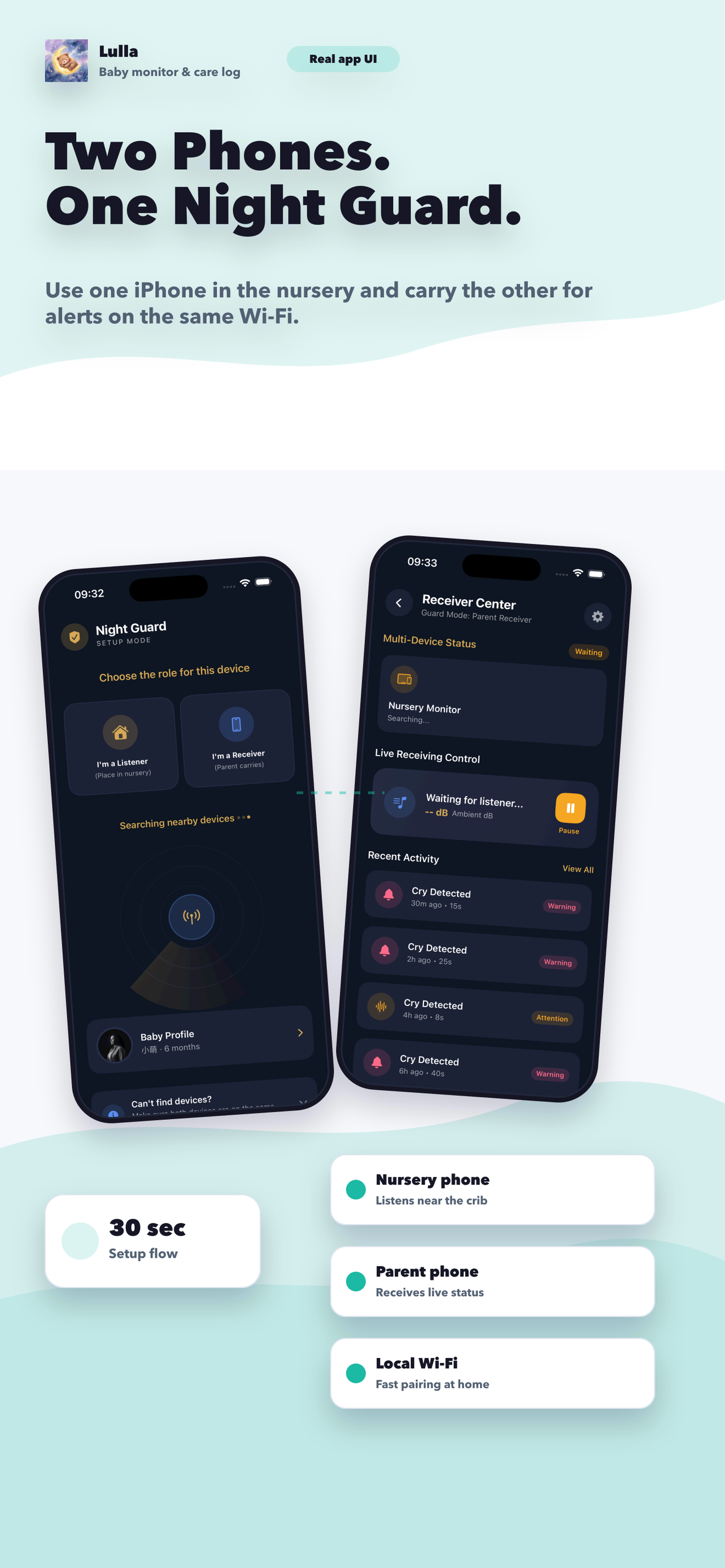
A hardware baby monitor can be a strong choice if you want a dedicated device that never shares duties with your phone. A baby monitor app often makes more sense for parents who want lower cost, quick setup, portability, and no extra nursery gadget. The trade-off is that an app depends on devices you already own, so battery, charging habits, and home setup matter more. For many iPhone families, the sweet spot is a privacy-first app that uses local pairing, sends fast alerts, and adds practical tools like feeding or diaper logs. That setup can replace separate monitor and tracker subscriptions while keeping the night routine simpler.
The biggest difference is not technology. It is friction.
Parents rarely choose a monitor by reading a spec sheet. They choose the tool that feels easiest to trust at 2 a.m. If a setup needs too many cables, too much furniture space, or too much mental overhead, it gets abandoned.
That is why app-based monitors keep getting attention. If you already have two iPhones at home, you can test the workflow quickly. No extra camera mount. No extra charging station. No extra purchase before you know whether the system fits your family.
Where hardware monitors still win
If that is your household, a dedicated monitor can be worth it. Some parents simply sleep better knowing the monitor is a single-purpose device.
Dedicated monitors are still appealing when you want:
- A separate parent unit that never competes with messages or calls
- A device that lives in the nursery full time
- A setup for caregivers who do not want to use an app
- An option that feels more “plug in and leave there”
Where baby monitor apps win
A strong baby monitor app stops being “just a cheaper substitute” when it also becomes the place where you check cries, review patterns, and log care. That is where the utility compounds.
Apps usually win on:
- Lower cost because you are using devices you already own
- Portability when traveling or moving between rooms
- Faster setup in apartments or smaller homes
- Privacy when the app uses local processing instead of cloud video storage
- Extra value if the same app handles care tracking too
The practical decision framework
Choose hardware if you want a permanent dedicated monitor and do not mind the extra device cost. Choose an app if you care more about flexibility, travel, privacy, and getting multiple parenting tools in one place.
If you are on the fence, start with the app. It is the lowest-friction test. If it handles your real nights well, you may never need the hardware purchase at all.
FAQ
Are baby monitor apps reliable enough for daily use?
They can be, especially when they use local network pairing and clear alert flows. Reliability depends on device setup, charging, and home Wi-Fi conditions, so a short at-home trial is worth doing before relying on it every night.
Do baby monitor apps save money?
Often yes, especially if you already own two phones and want tracking features too. A good app can replace both a separate monitor purchase and an additional care tracker subscription.
The best monitor is the one your family will actually trust and use every night, not the one with the longest feature list.
Lulla fits best when parents want to hear important cries sooner and keep the rest of baby care organized in the same place. This article is for education only and is not a substitute for medical advice.